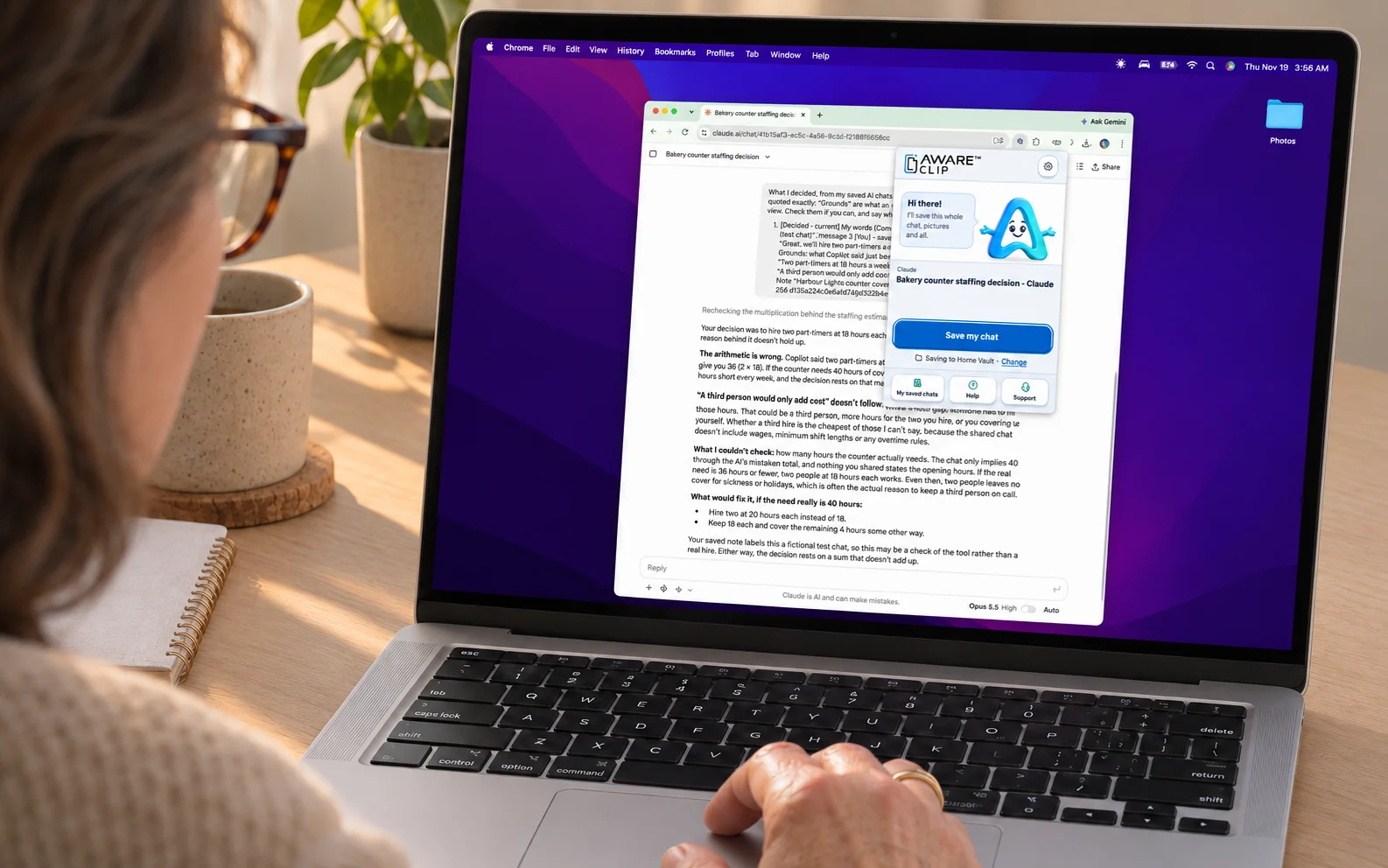
Getting started
- Install Clip and complete setup.
- Save your first chat.
- Find conversations and attachments in My saved chats.
- Understand Complete, Not complete, and Can’t confirm.
Choosing where your chats live
- Choose an ordinary folder.
- Use an Obsidian vault.
- Save to Downloads.
- Create a Notion token, choose a parent page, and connect it to Clip.
Buying and activating Pro
- Buy a Pro license.
- Find the key in your email.
- Activate it on your computer.
- Deactivate or move a license when you change computers.
When something is not right
- Read the receipt and identify what is missing.
- Allow a folder again when Chrome asks.
- Save again when a provider was temporarily unavailable.
- Create and preview a Support report without sharing your chat.
New lessons will be added to the AWARE Enabled YouTube channel. Until a lesson is available, use the written How-to guide or contact Support.